

Networking
made simple
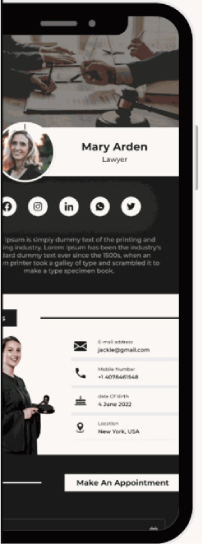
Create your own Ideo card!
1
Go to www.iden.eco
Scan the QR code or type the website into your browser. Then, click “Get Started” to create your account.
2
Create your Ideo card
After confirming your email and accessing the dashboard, go to the "vCards" tab. Create your virtual business profile by adding required details.
3
Access and edit your Ideo card
In the "vCards" tab, you can access all your cards and preview them. Clicking on a card allows you to add all the necessary details about you and the services you provide. You can also choose the template that others will see when accessing your virtual business profile.
4
Done!
Congratulations, you’re all set up. If you have any questions or need our assistance, send us an email, and we will get back to you as soon as possible.